

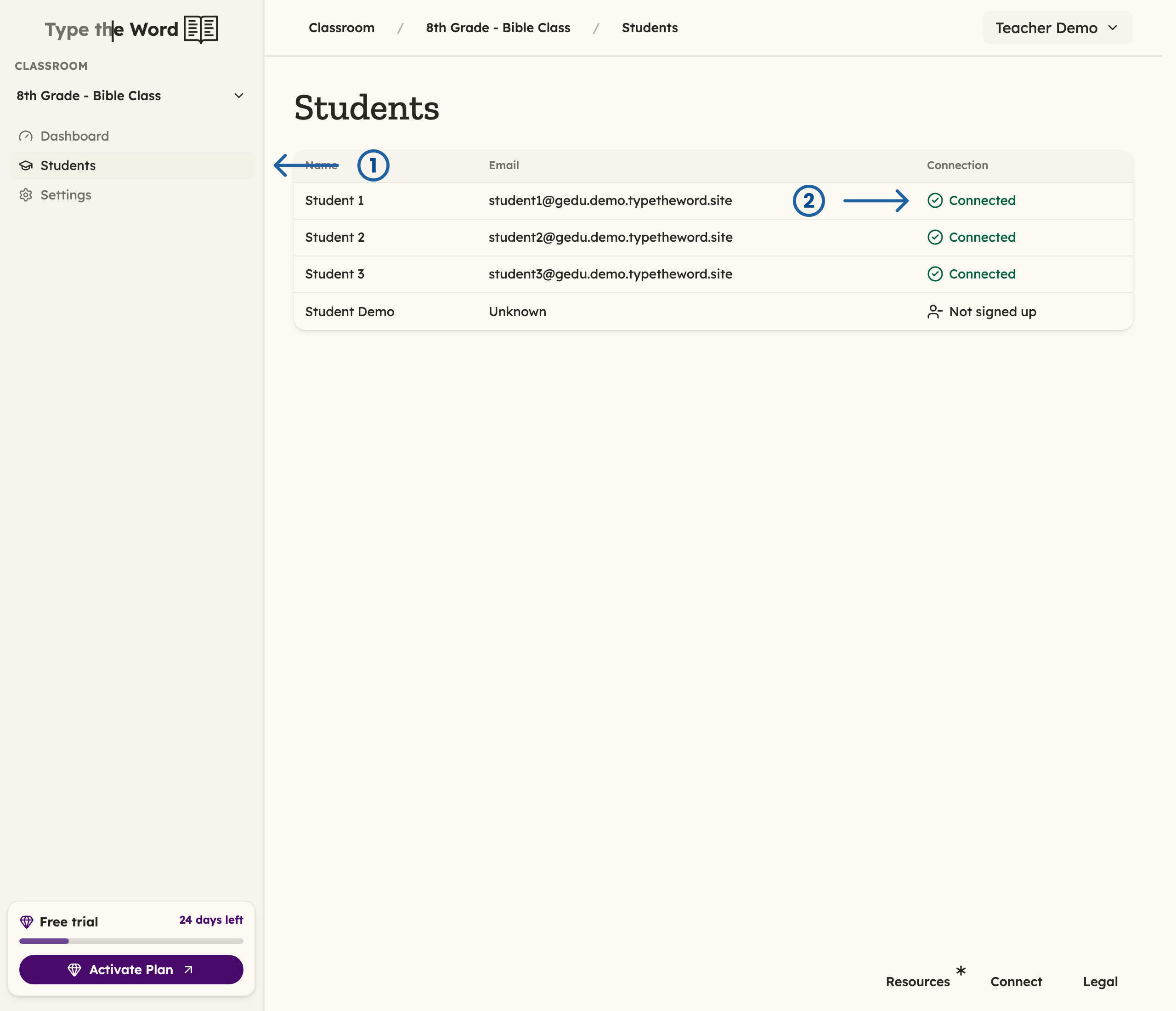
To access students, you can click "Students" in the sidebar (1). Students that have logged in to Type the Word will be marked as "Connected" (2)
Read the Connection column
- “Connected” — the student signed in with Google Classroom, Microsoft Teams, or Canvas and can complete work.
- “Signed up” — the same meaning on a Clever roster.
- “Not signed up” — the student is on the roster but has not signed in yet. Click the row to read why progress is unavailable.
- “Disconnected” — the student had a Type the Word account and lost the school connection. Ask them to sign in again with the rostered school account.
- Set up a Google Classroom student
- Set up a Clever student
- Set up a Microsoft Teams student
- Set up a Canvas student