

Open History
- Select your name in the upper-right corner.
- Select “History”.
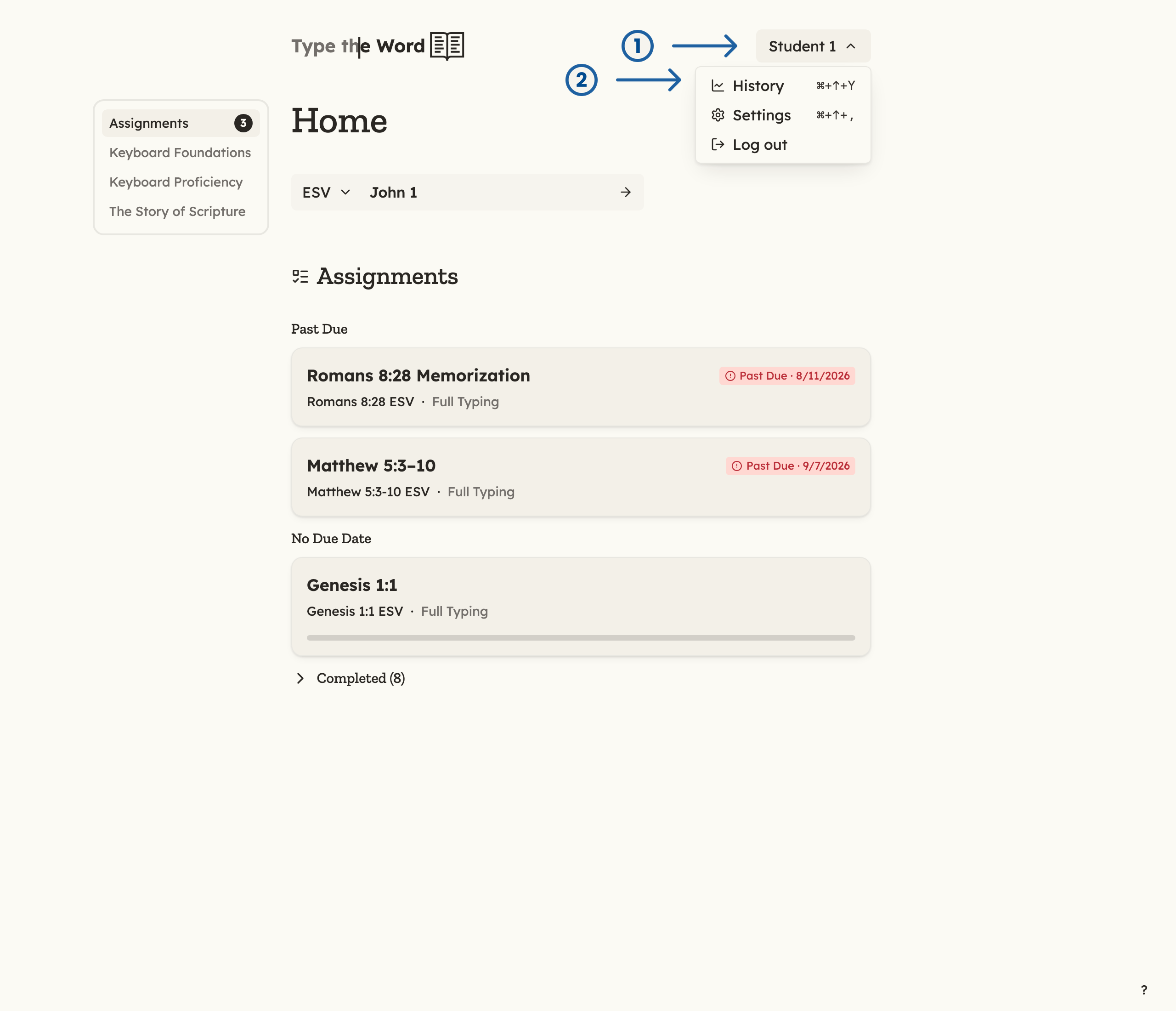
1 is your name in the upper-right corner. 2 is "History" in the account menu.
Overview
“Overview” is the first “History” tab. It lists the books you have started typing.- Expand “Total” to see how many verses and typing sessions you have completed.
- Expand a book to see current progress, how many times you have finished that book, and a grid of its chapters.
- Select a chapter box to open that chapter and keep typing.
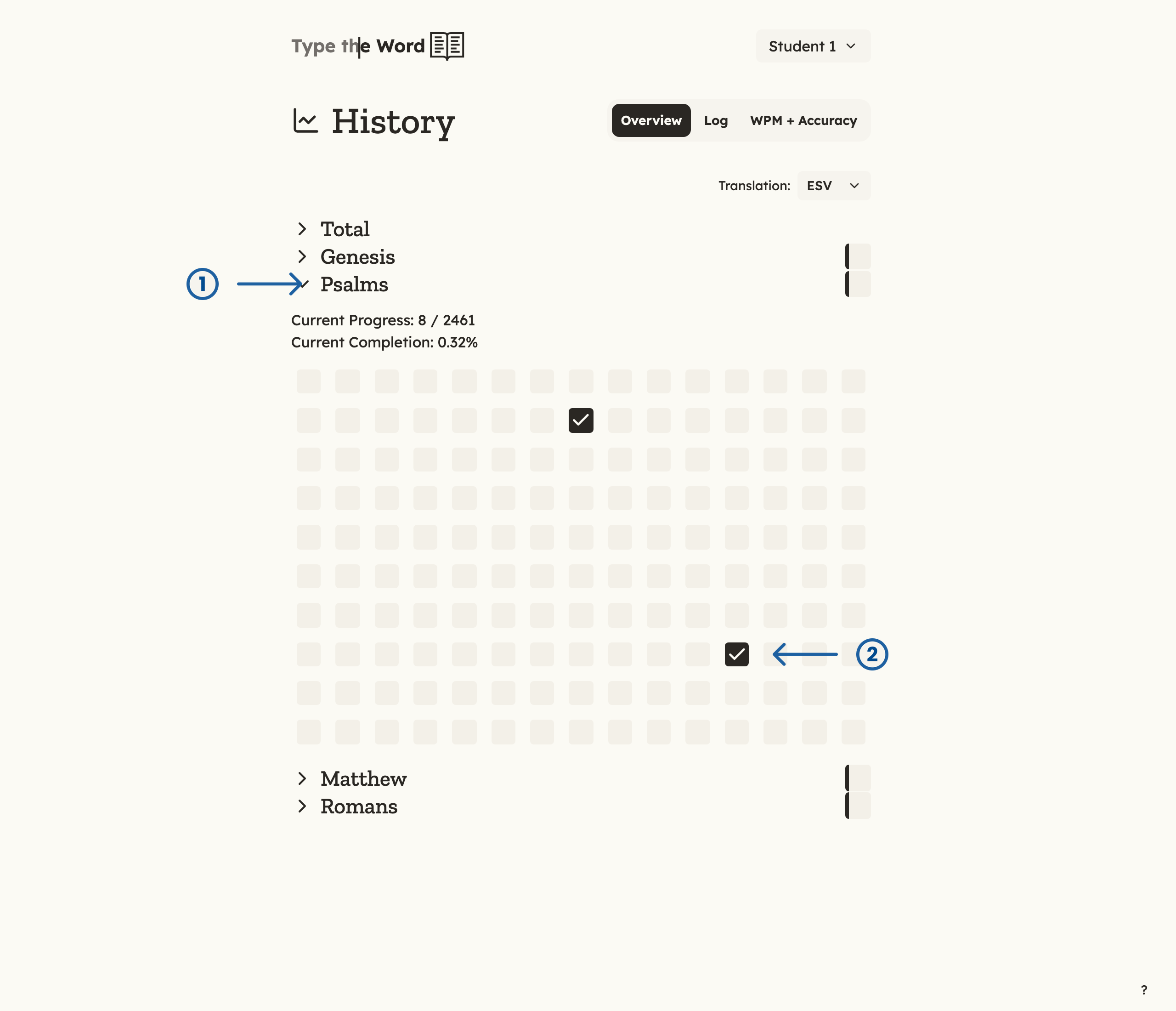
1 is the "Psalms" section. 2 is chapter 117 marked complete.
“Overview” stays empty until you have typed some verses. After that,
books appear as you work through them.
Log
Select “Log” to see a month-by-month calendar of the days you typed. Each month shows how many verses you typed, and each day on the calendar shows activity for that date.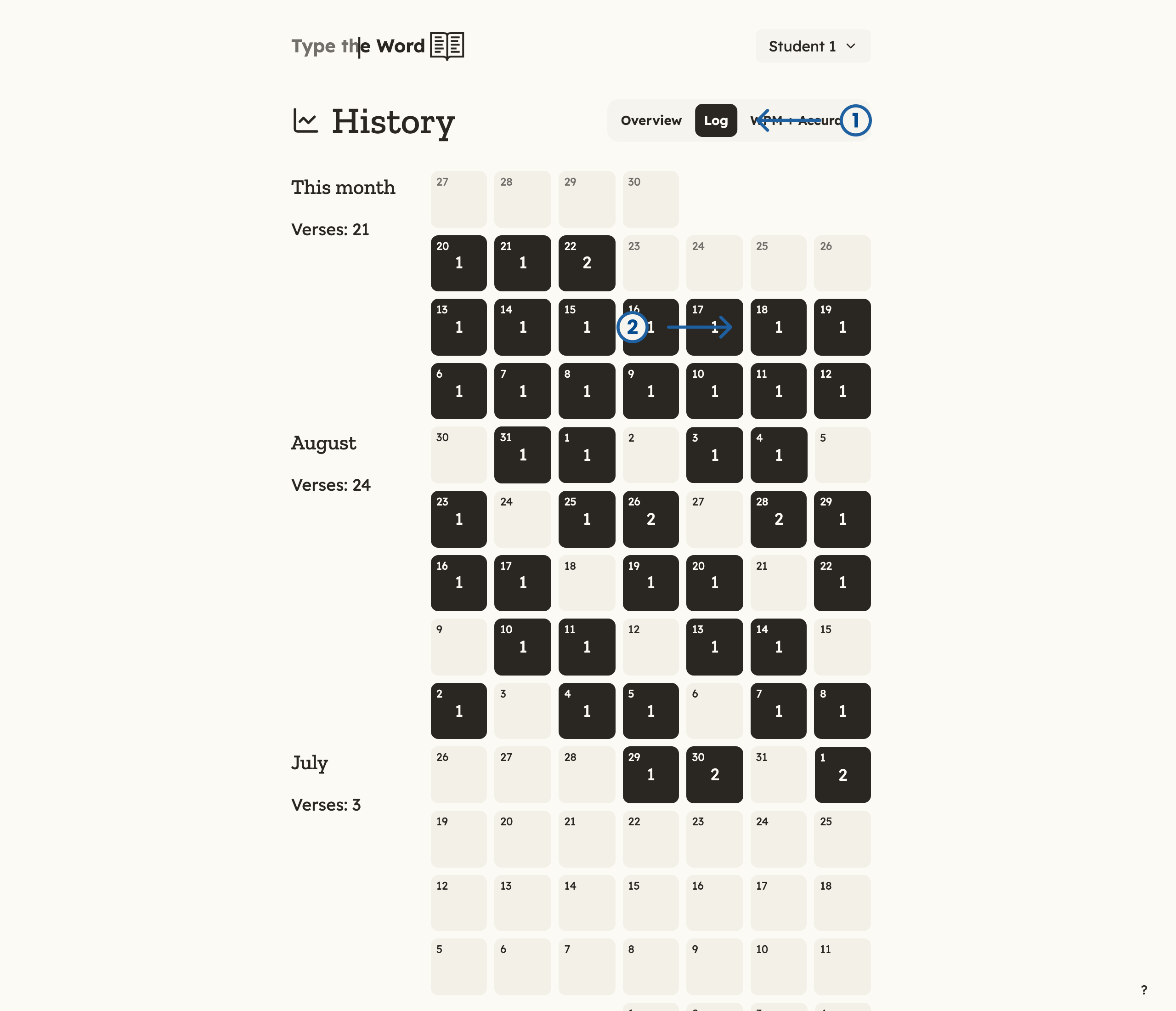
1 is the "Log" tab. 2 is the 18th, with two verses typed that day.
WPM + Accuracy
The “WPM + Accuracy” tab is hidden until you turn it on:- Select your name in the upper-right corner.
- Select “Settings”.
- Turn on “WPM + Accuracy”.
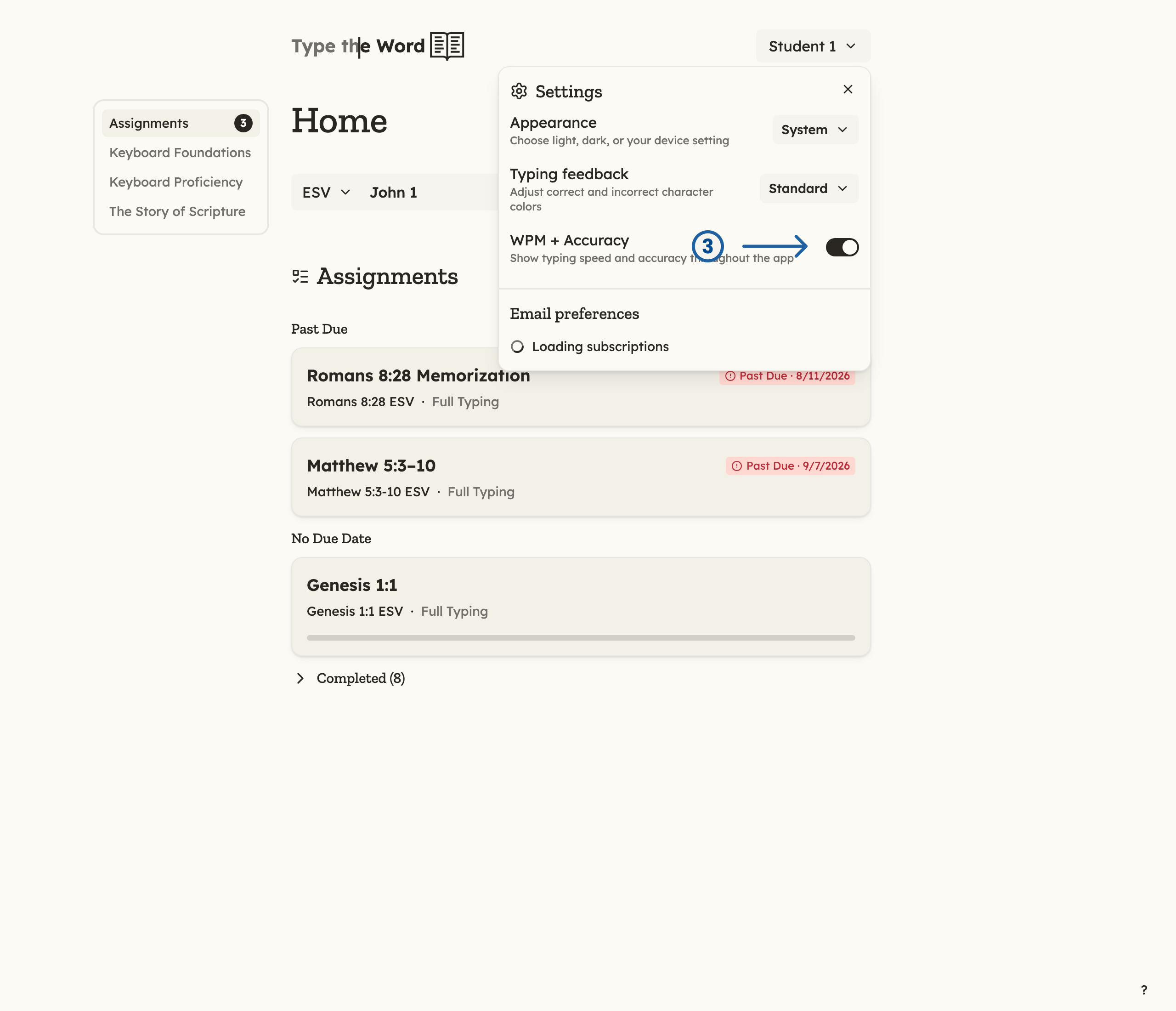
3 is the "WPM + Accuracy" toggle, turned on.
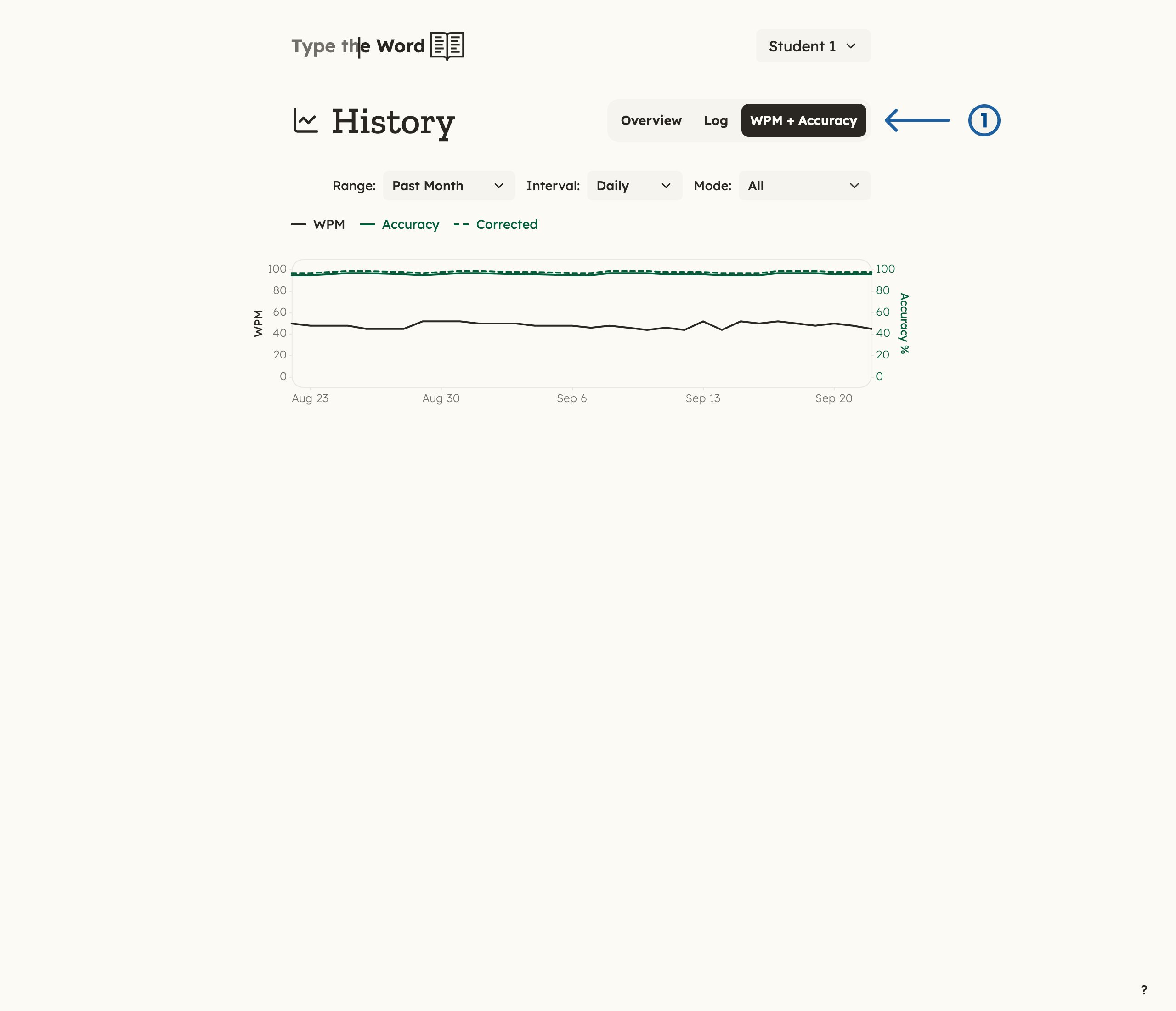
1 is the "WPM + Accuracy" tab on History.
This chart starts with one day. As you type more, more points appear so you
can see how you are improving over time.