

Prerequisites
- Your teacher has synchronized the Microsoft class with Type the Word.
- Your school Microsoft account appears in that class roster.
- You know which school account your teacher expects you to use.
Sign in as a student
Go to the Type the Word login page. Under “Get started as…”, choose “Student”.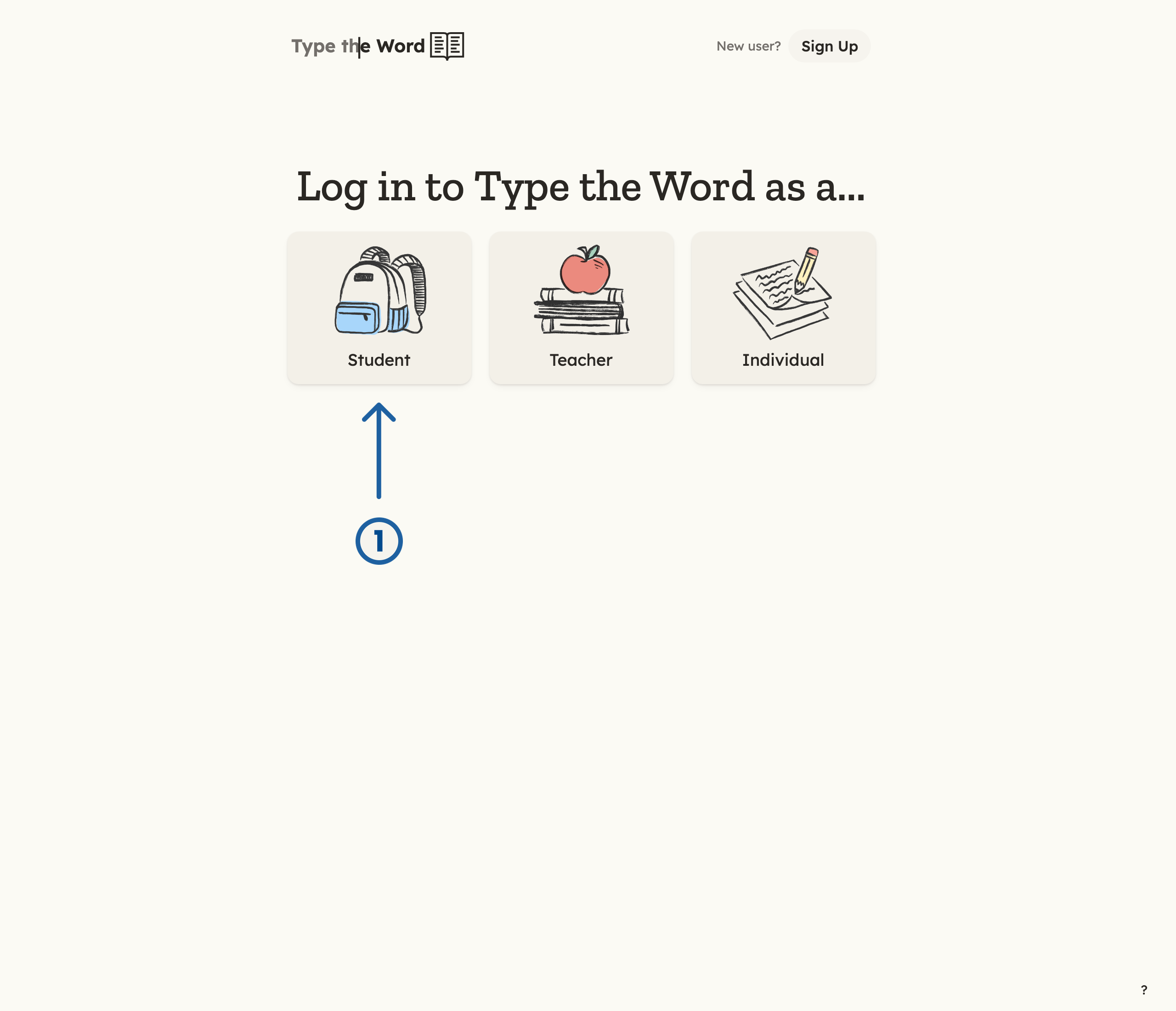
1 is "Student" on the login page.
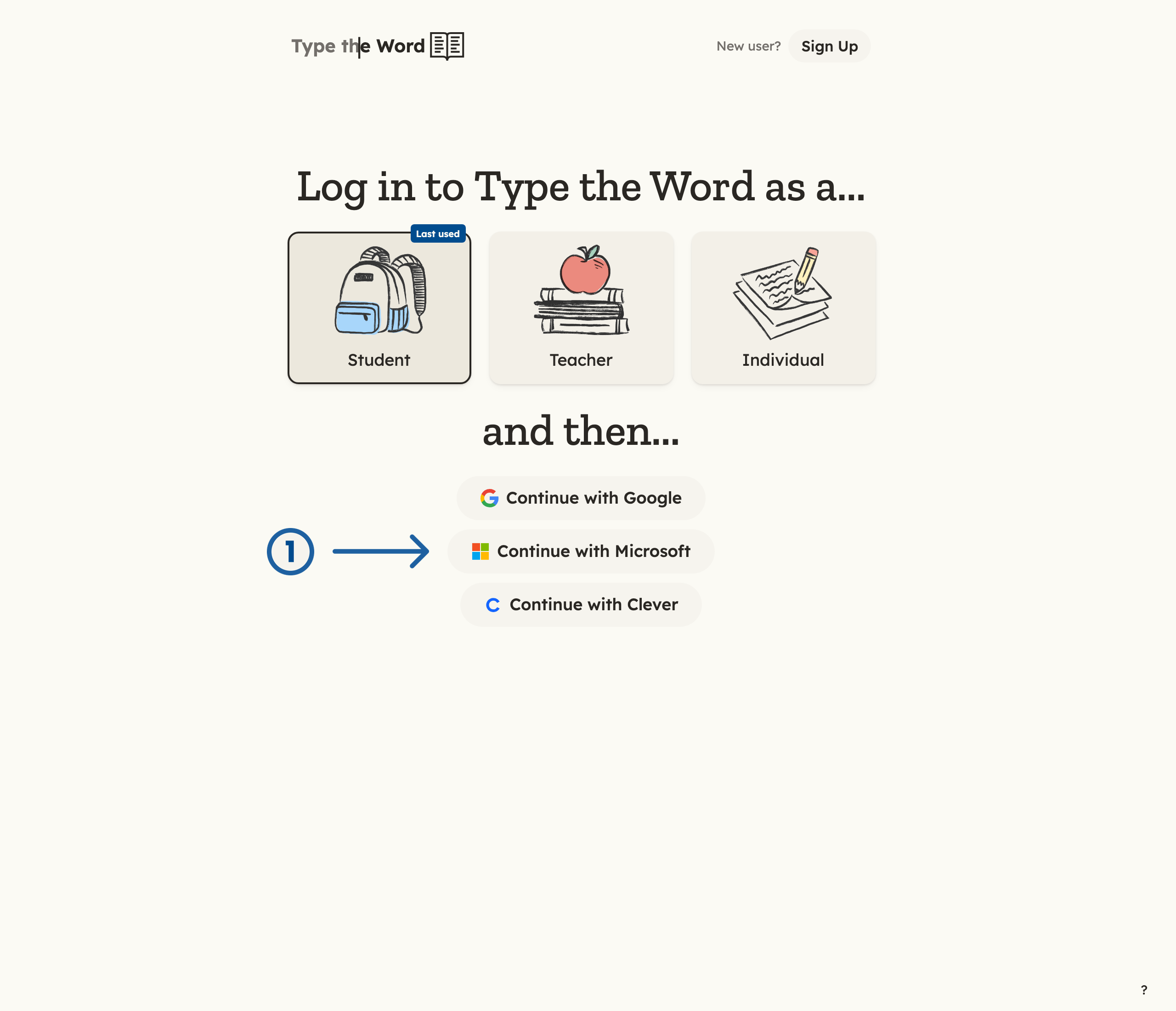
1 is "Continue with Microsoft" on Student login.
Always use the rostered school account. Type the Word does not match
students to classes by a similar name or email address.
Verify access
Confirm you reach “Home” without an access or role error. Check that the account name in the upper-right is yours.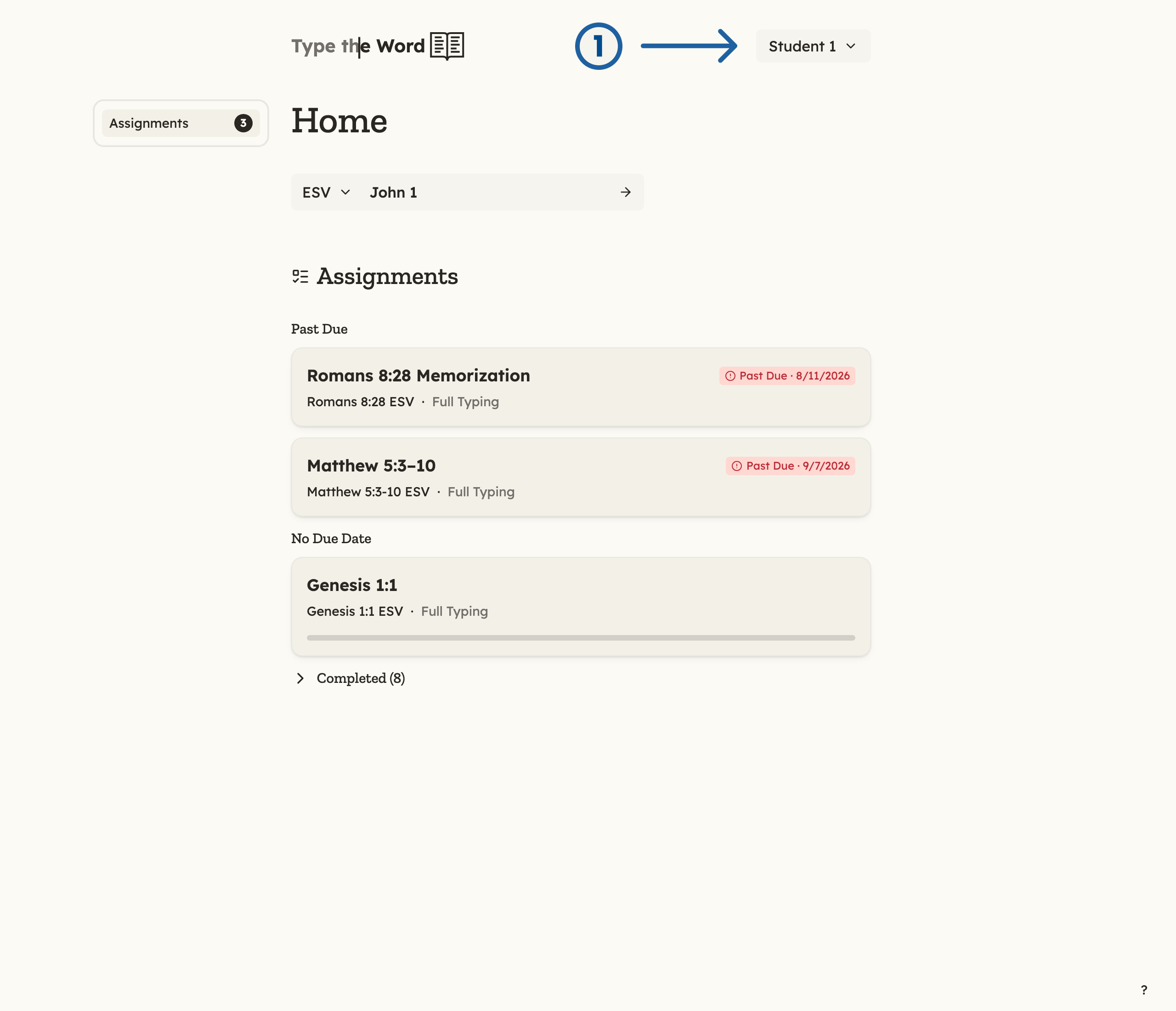
1 is your name in the upper-right corner.
Setup complete
Student onboarding is complete when the student can sign in with the correct school account and reach “Home” without an access or role error.Troubleshooting
- Roster sync required: Ask the teacher to refresh the Microsoft roster after confirming your class membership.
- Wrong account: Start over and choose the school account used in the synchronized class.
- Wrong role message: Start over and choose “Student” before continuing with Microsoft.
- Another student is signed in: Sign out of Type the Word before beginning your login.