

Review completed work
When you do not have a current assignment, “Home” keeps your completed assignments together in the collapsed “Completed” section.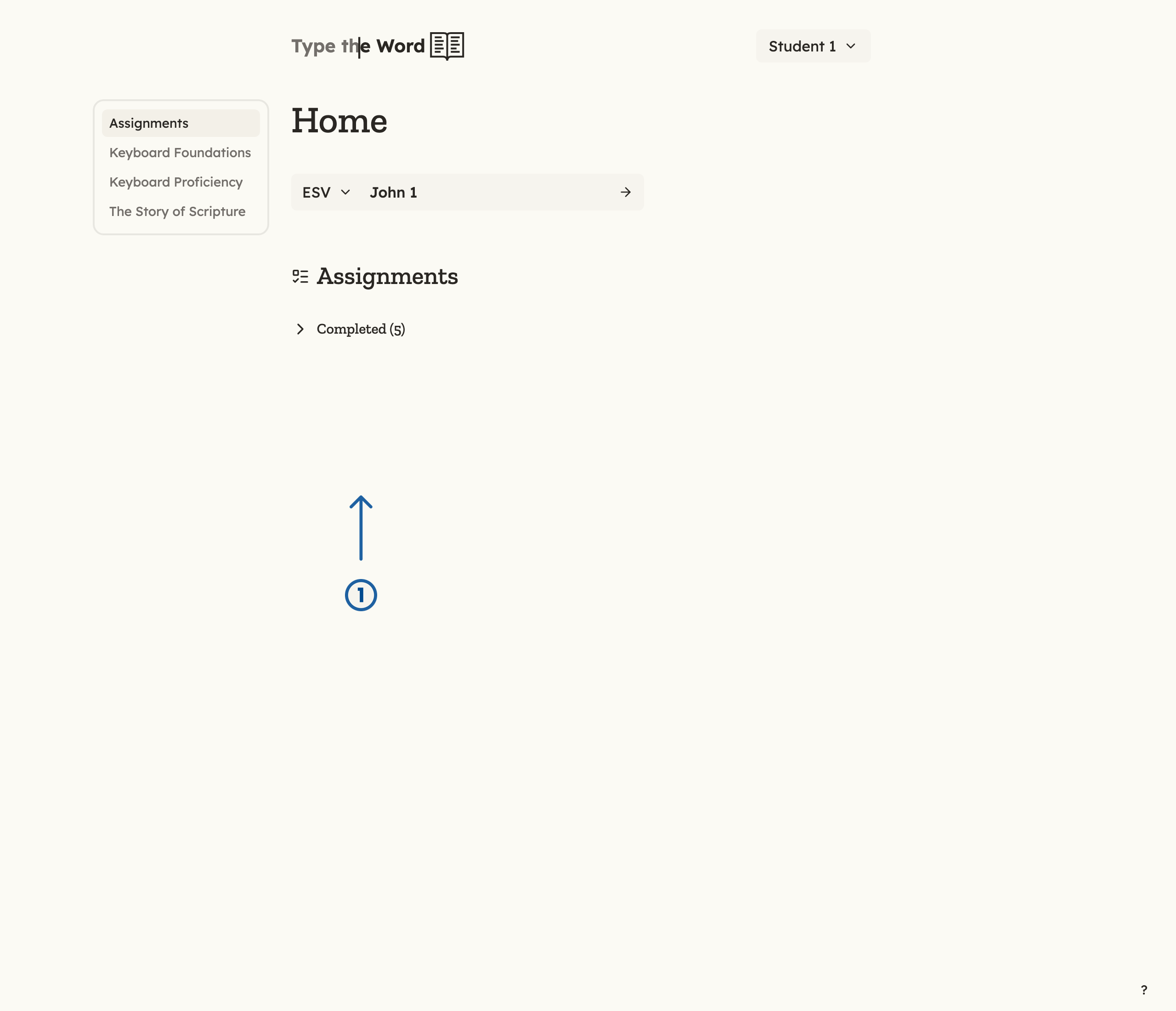
1 is the collapsed "Completed" section.
Choose any passage
Type a passage you are familiar with by selecting it in the PassageSelector.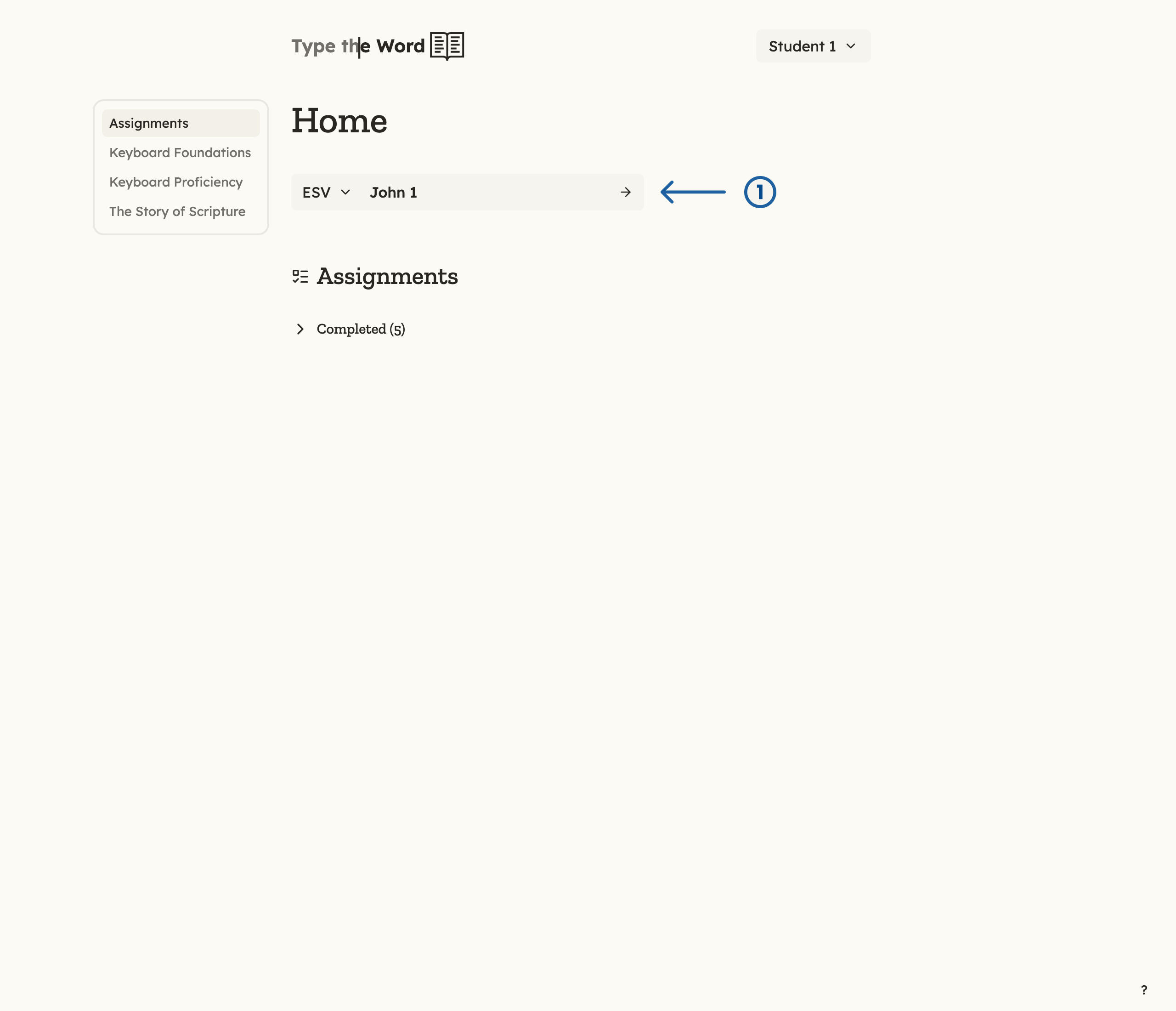
1 is the PassageSelector, where you choose a translation, book, and chapter.
Work through a curriculum
The homepage sidebar lists other great ways of learning to type, such as “Keyboard Foundations”, “Keyboard Proficiency”, and “The Story of Scripture” alongside “Assignments”. Teachers can preview every lesson in Available Curriculum.- Select a curriculum in the homepage sidebar.
- Select “Start learning” or “Continue learning”.
- Complete lessons in order, or pick a lesson from the list.
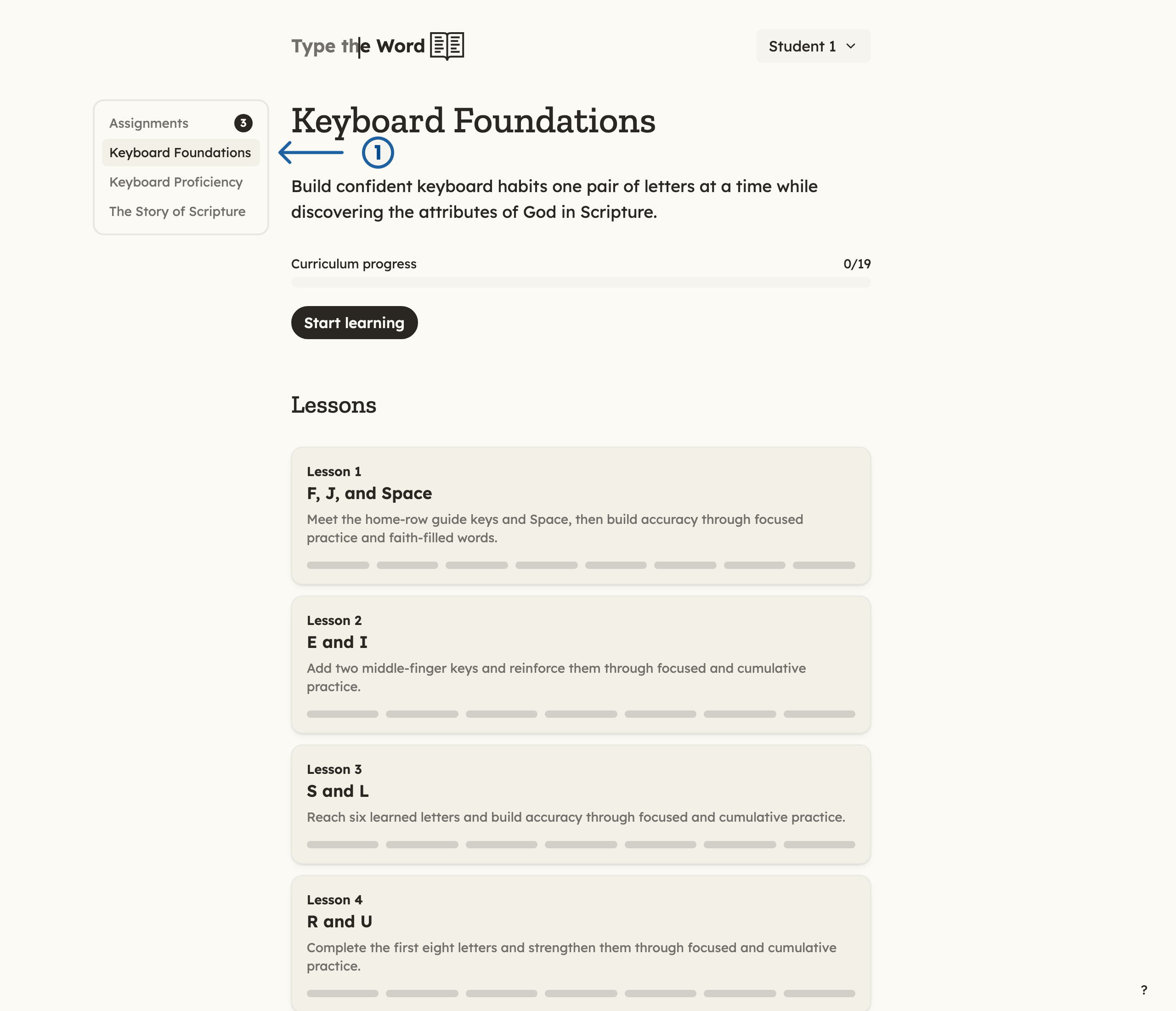
1 is "Keyboard Foundations" in the homepage sidebar. Lessons are listed on the curriculum page.