

Prerequisites
- Your administrator has completed Connect your SIS and Connect to Canvas.
- Your Canvas account is a student in at least one connected course.
Launch Type the Word
Sign in to Canvas with your student account. Open your course and select Type the Word in the course navigation, or open a Type the Word assignment. Complete the Clever authorization prompt if it appears, then wait for Type the Word to open “Home”.Verify access
Confirm you reach “Home” without an access or role error. Check that the account name in the upper-right is yours.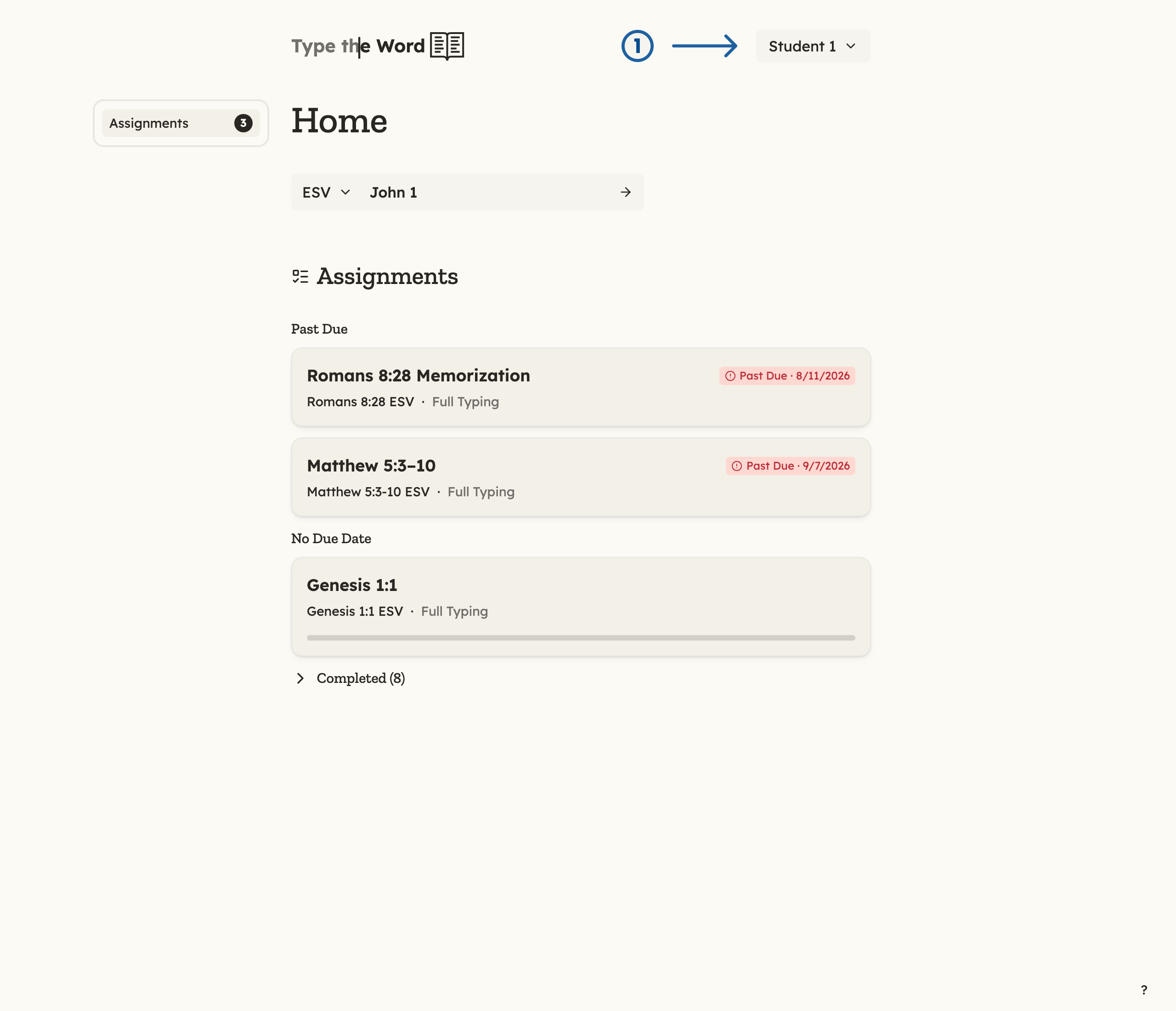
1 is your name in the upper-right corner.
Setup complete
Student onboarding is complete when the student can launch Type the Word with the correct school account and reach “Home” without an access or role error.Troubleshooting
- Another student’s name appears: Return to Canvas, sign out, and begin again with your own account.